Model
Z-Image Turbo (S3-DiT)
Type
Baseline
Difficulty
Intermediate
Resolution
1024x1024
Settings
sampler
res_multistep steps
8 cfg
1 resolution
1024x1024 seed
42 model
z_image_turbo_bf16.safetensors Prompts
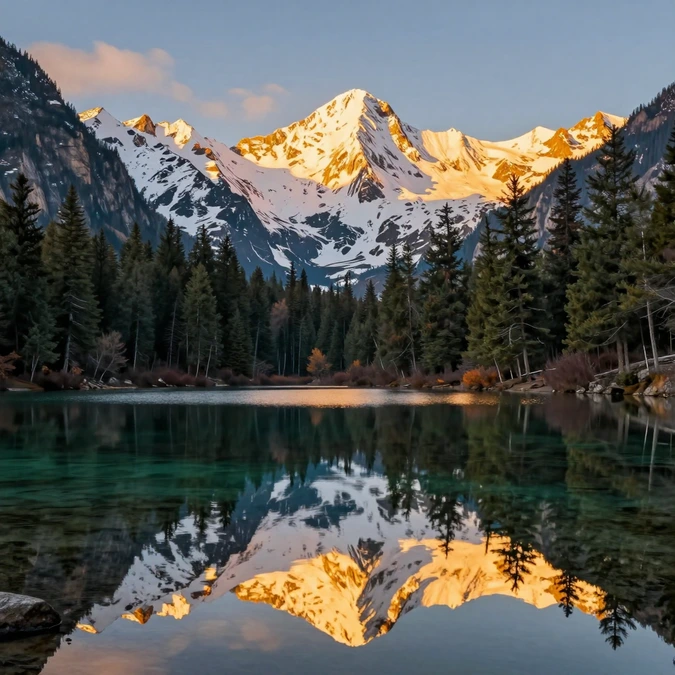
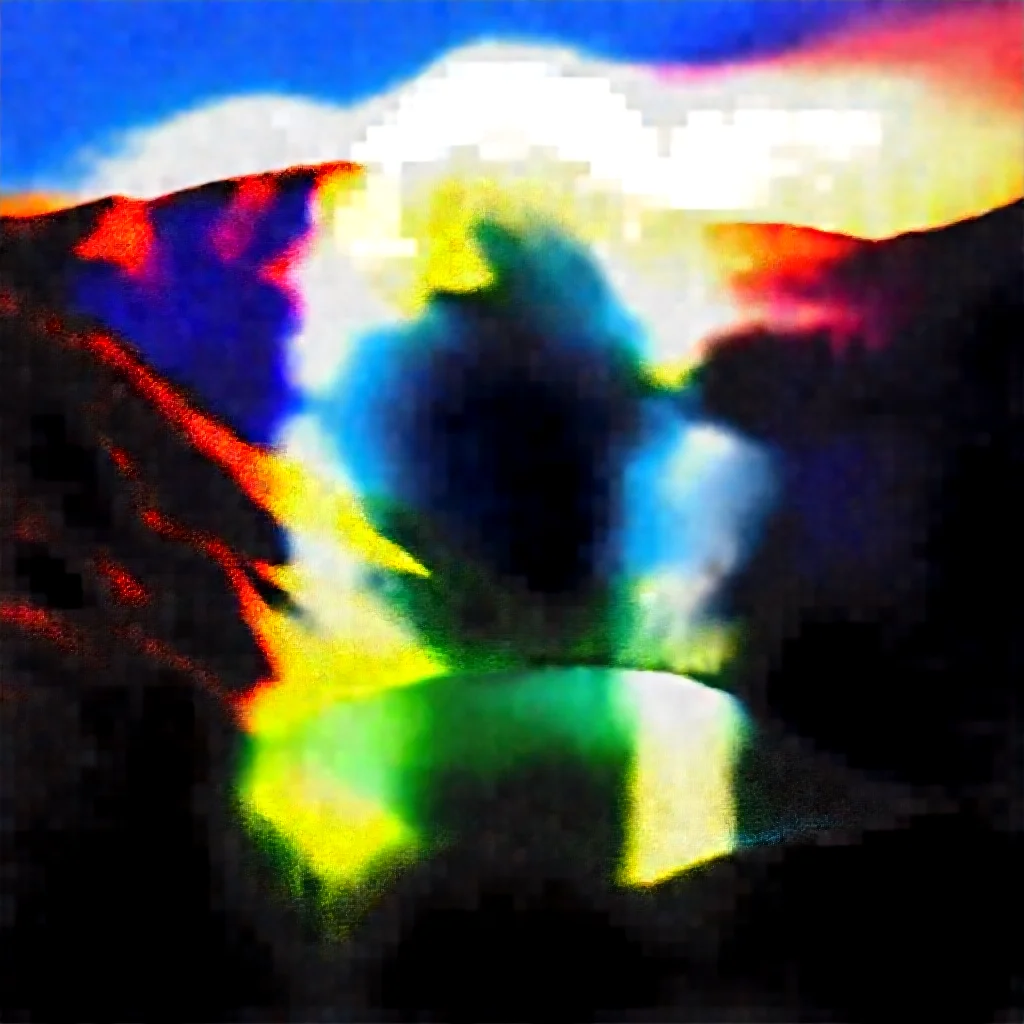
a serene mountain lake at sunset, snow-capped pine trees reflected in crystal clear water, majestic snow-capped peaks, warm golden light, photorealistic landscape
text, watermark, blurry, low quality, deformed, ugly
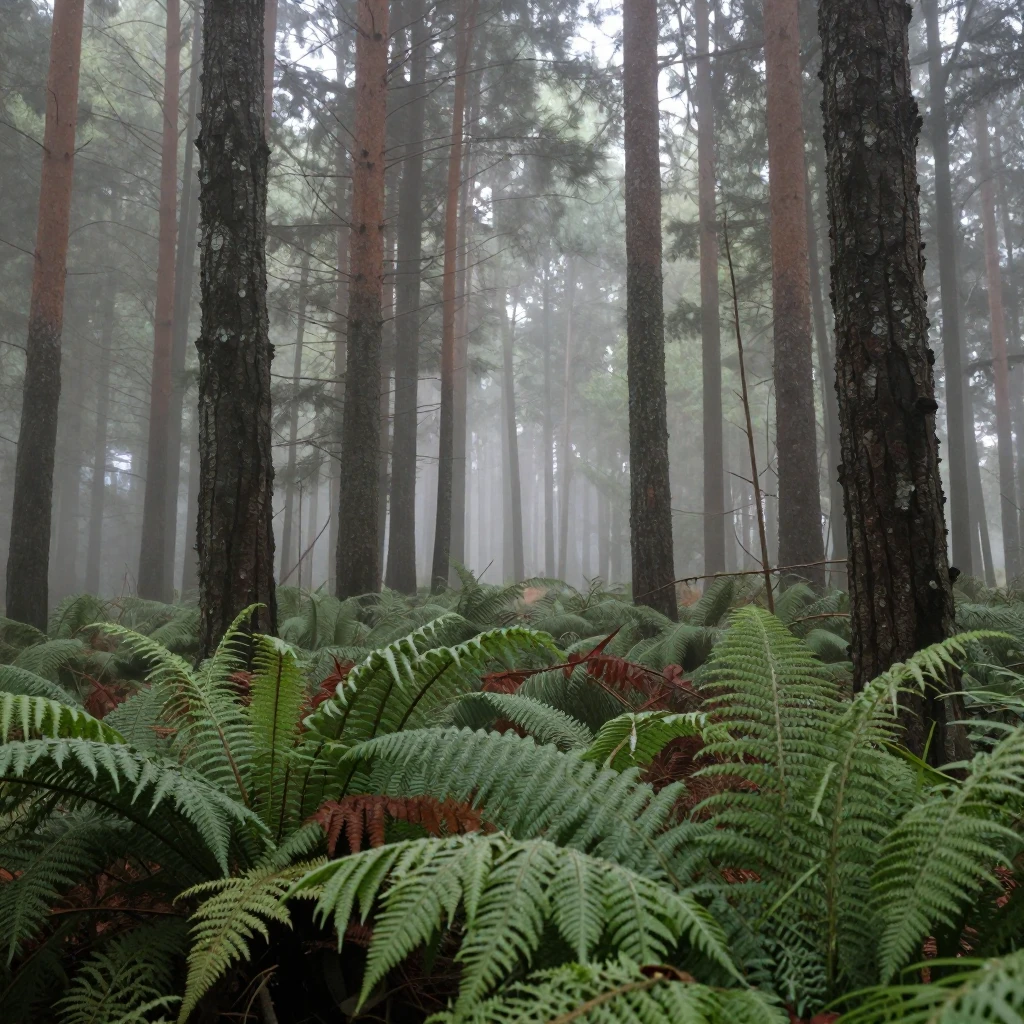
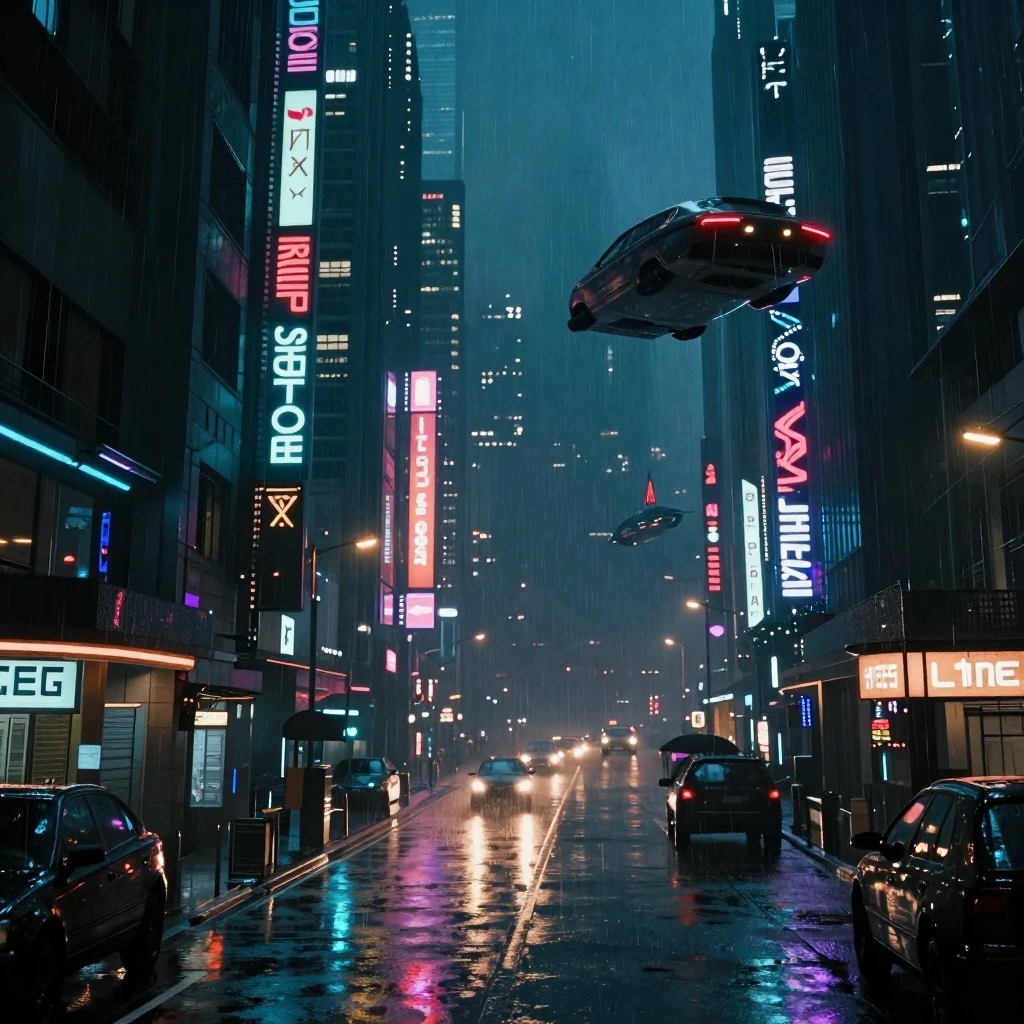
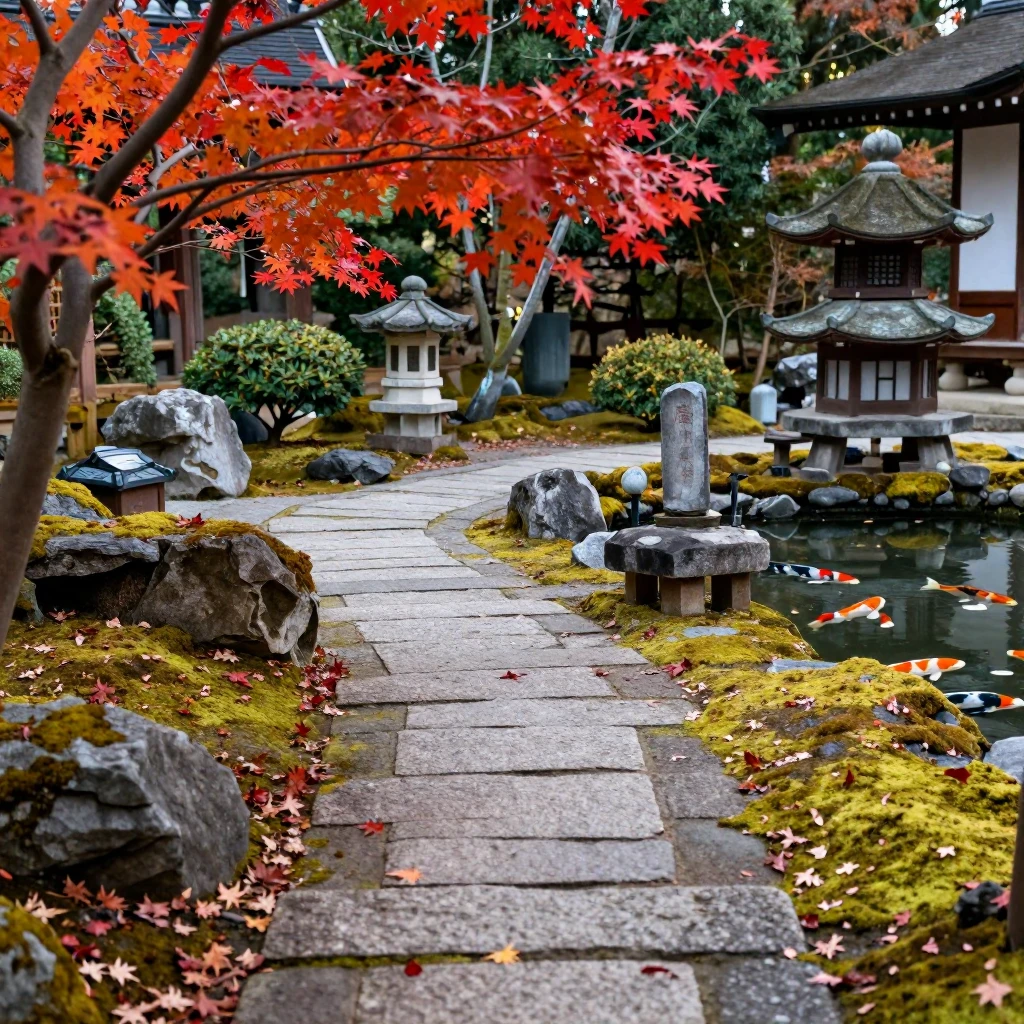
Sample Outputs
Real outputs generated with this workflow — click to enlarge.

What's Included
- AuraFlow sampling with shift=3.0 for optimal quality
- Standard CLIPTextEncode with qwen_3_4b (lumina2 type)
- ConditioningZeroOut for clean negative conditioning
- 8-step distilled generation at CFG 1.0 (sub-second on H800)
How to Use
- 1 Download the JSON file using the button above
- 2 Open ComfyUI in your browser
- 3 Drag the JSON file into the ComfyUI canvas, or click "Load" and select the file
- 4 Queue Prompt and watch the generation happen
Ready to Use This Workflow?
Download the JSON and import it into ComfyUI. All settings are pre-configured for consistent results.
Download z-image-turbo-official.json