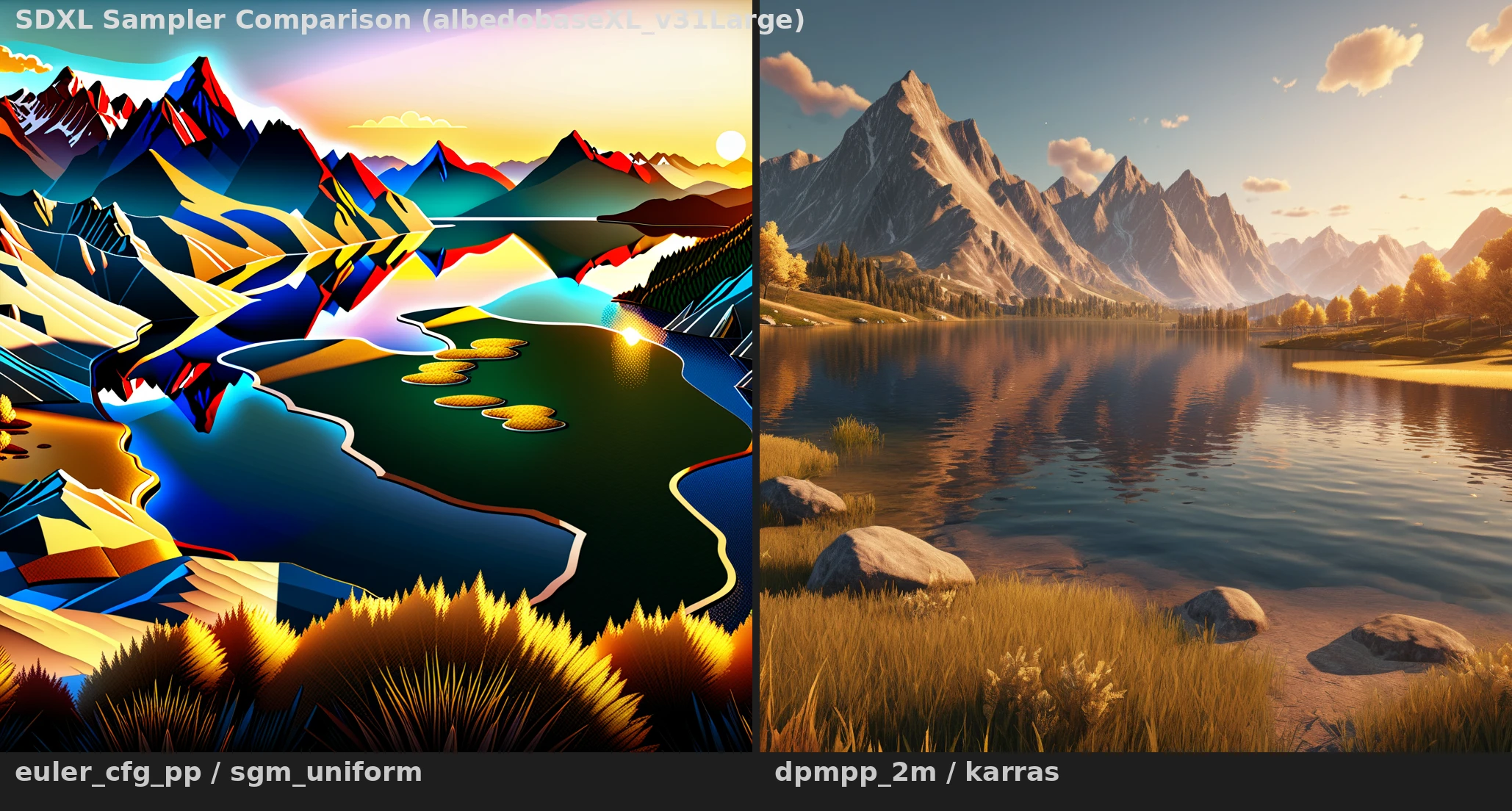
Model
SDXL
Type
Comparison
Difficulty
Intermediate
Resolution
1024x1024
Settings
sampler
6 samplers compared steps
30 cfg
8 resolution
1024x1024 seed
42 model
SDXL/albedobaseXL_v31Large.safetensors Prompts
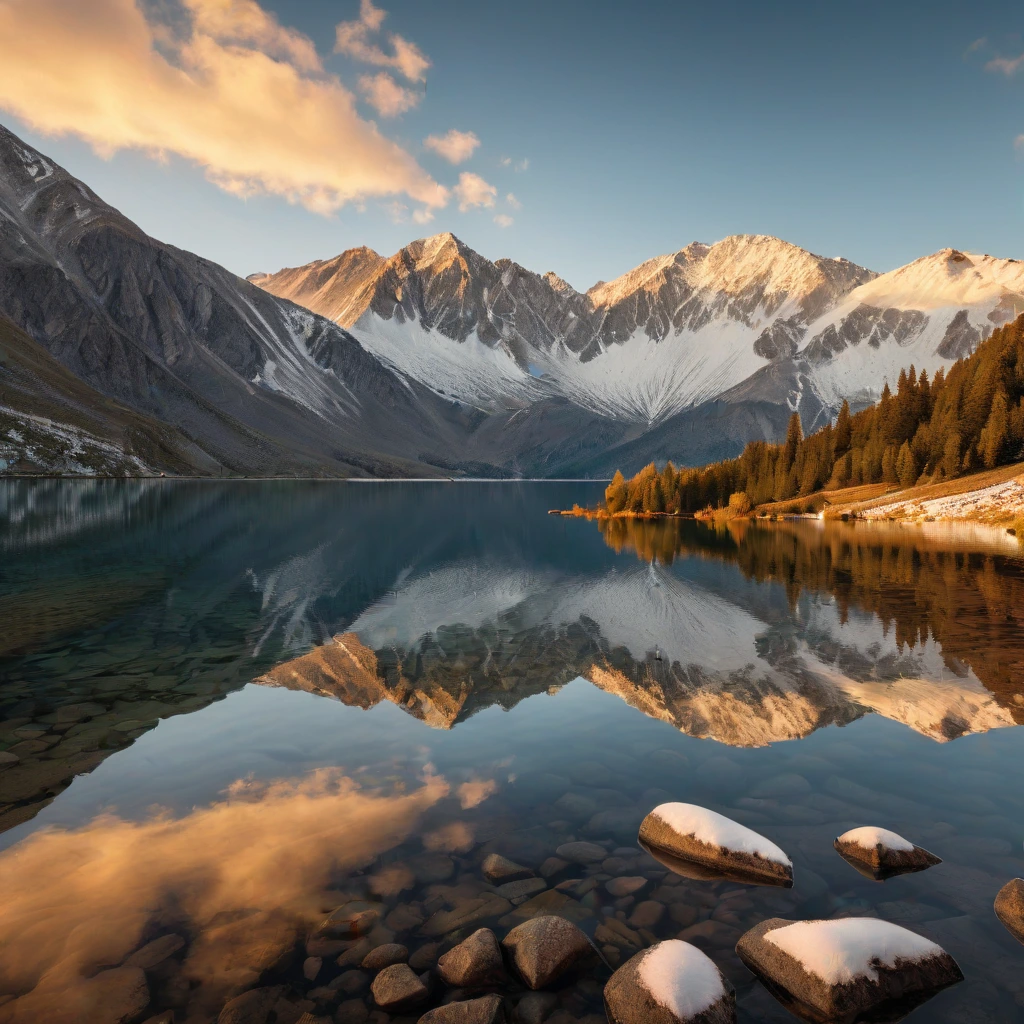
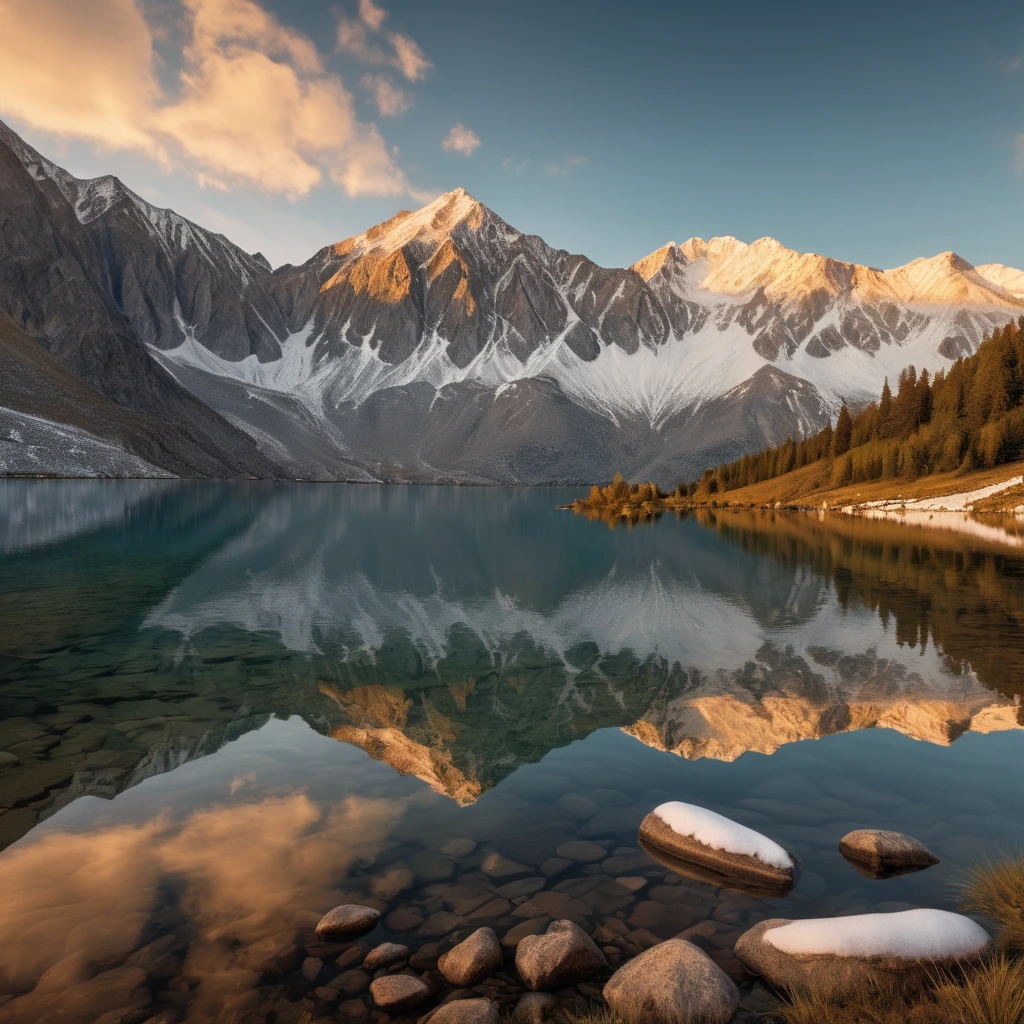
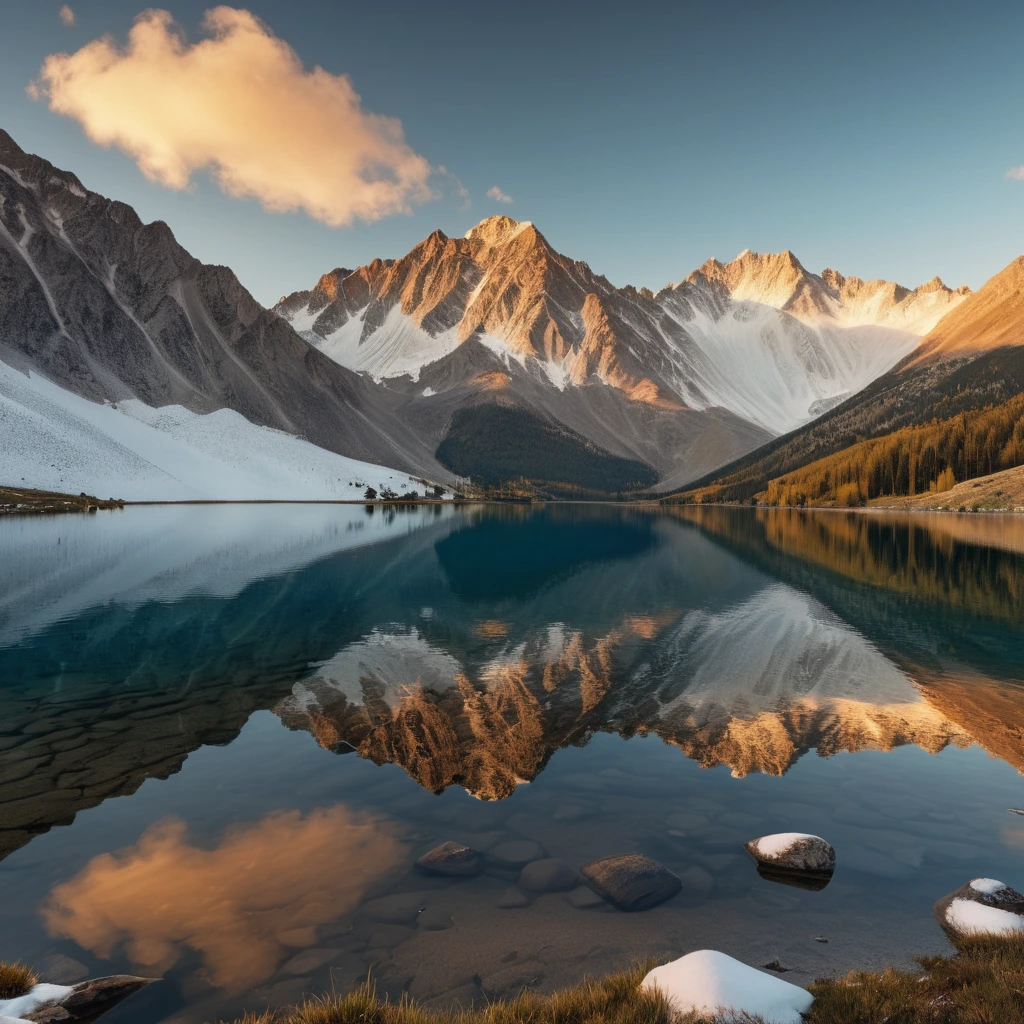
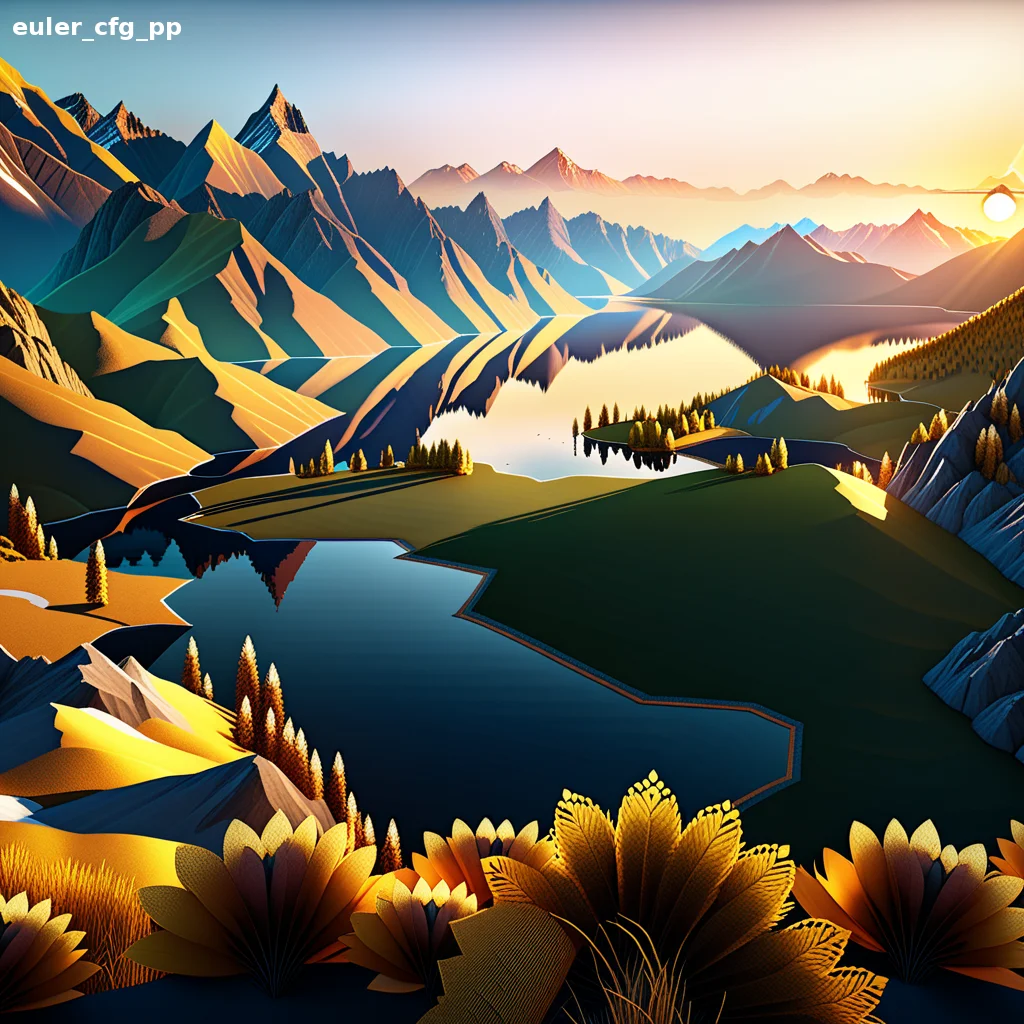
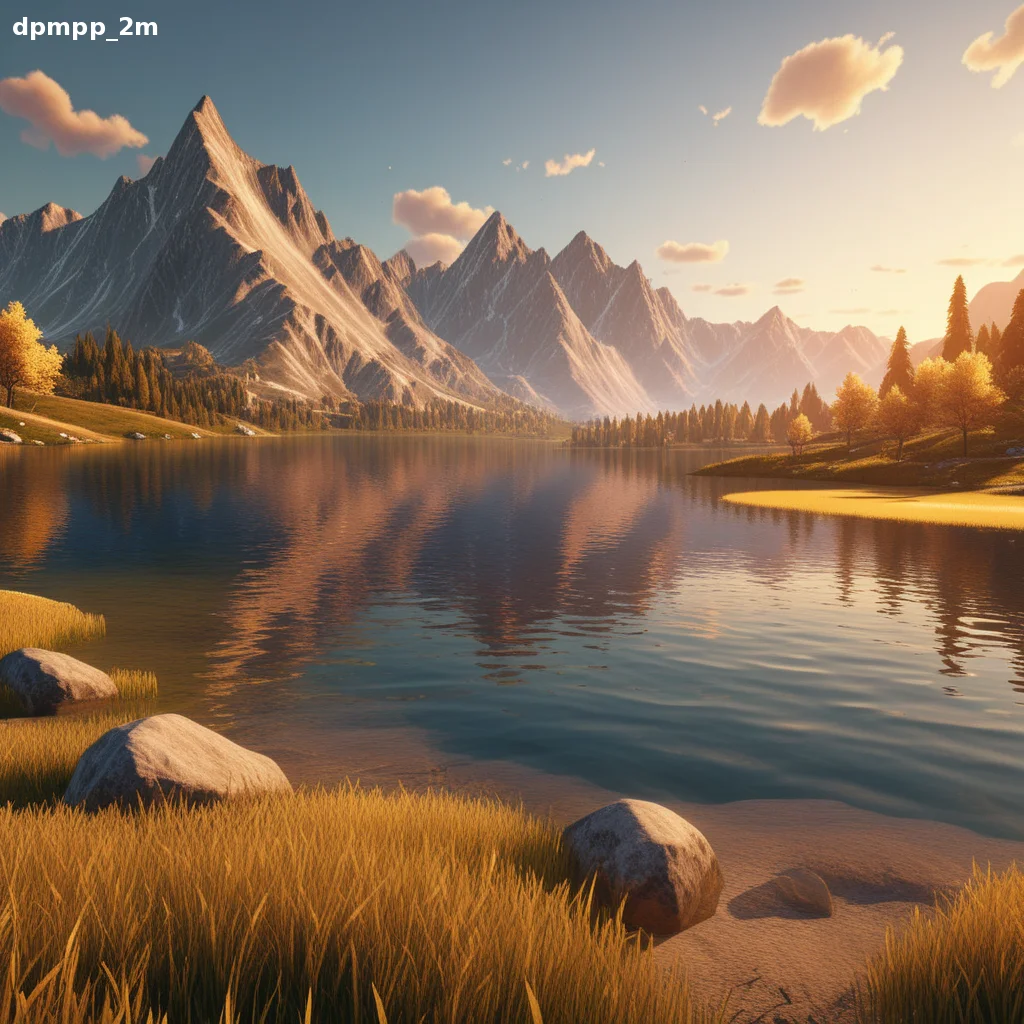
a beautiful landscape with mountains and a lake, golden hour lighting, highly detailed, 8k
text, watermark, blurry, low quality, deformed, cartoon, anime
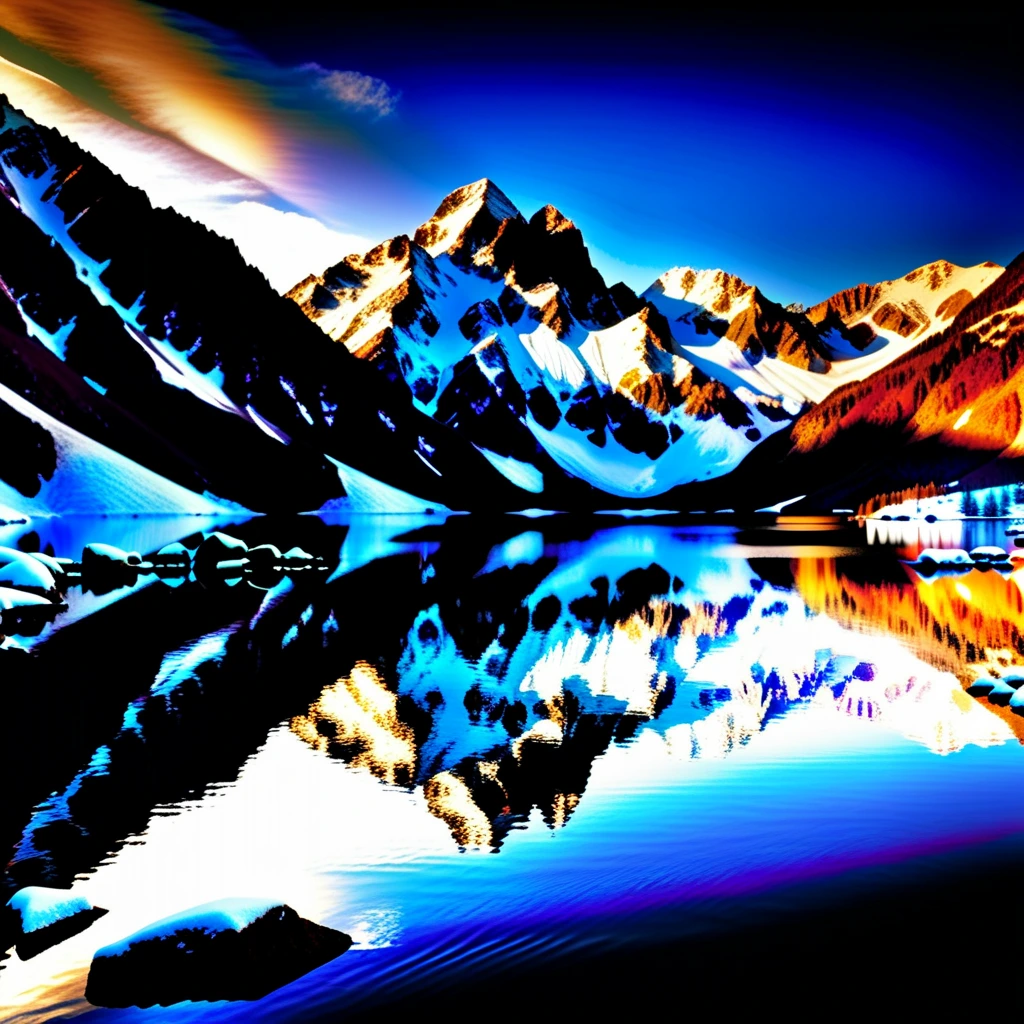
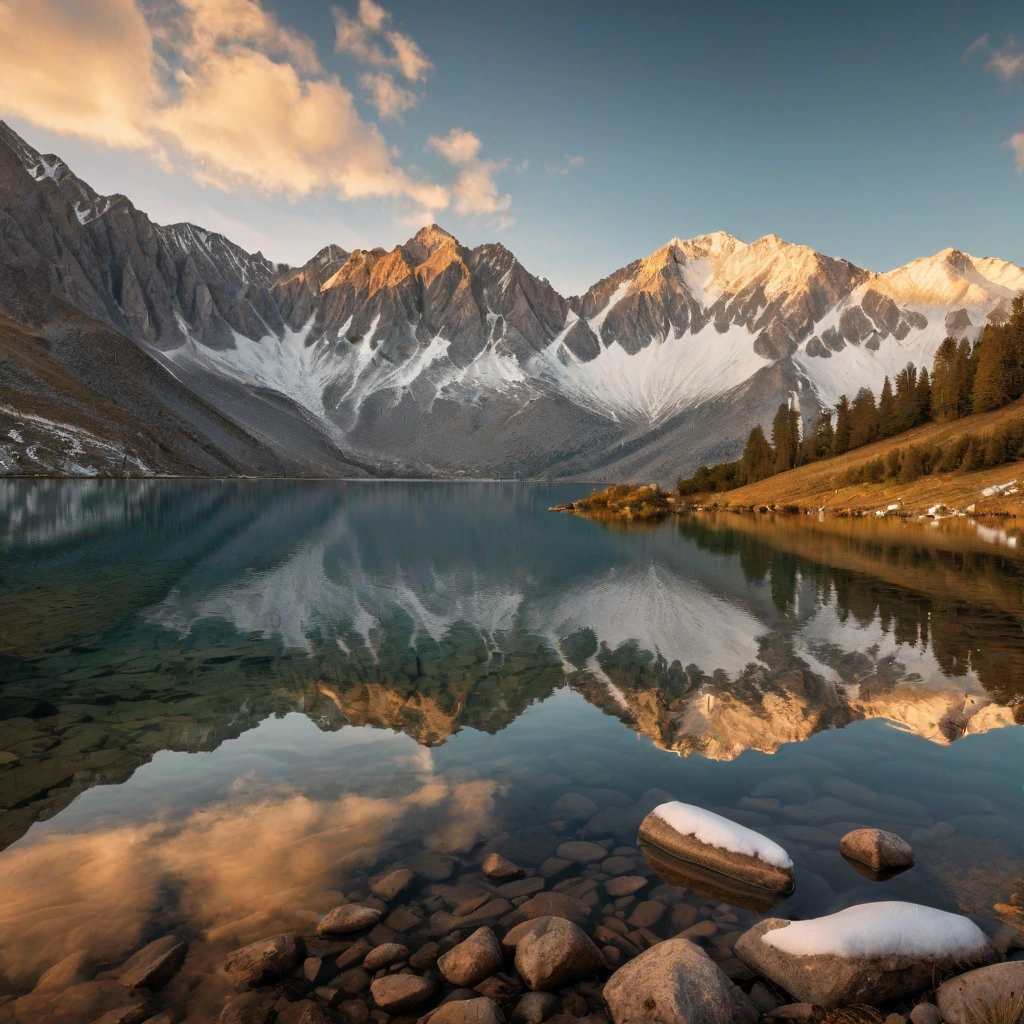
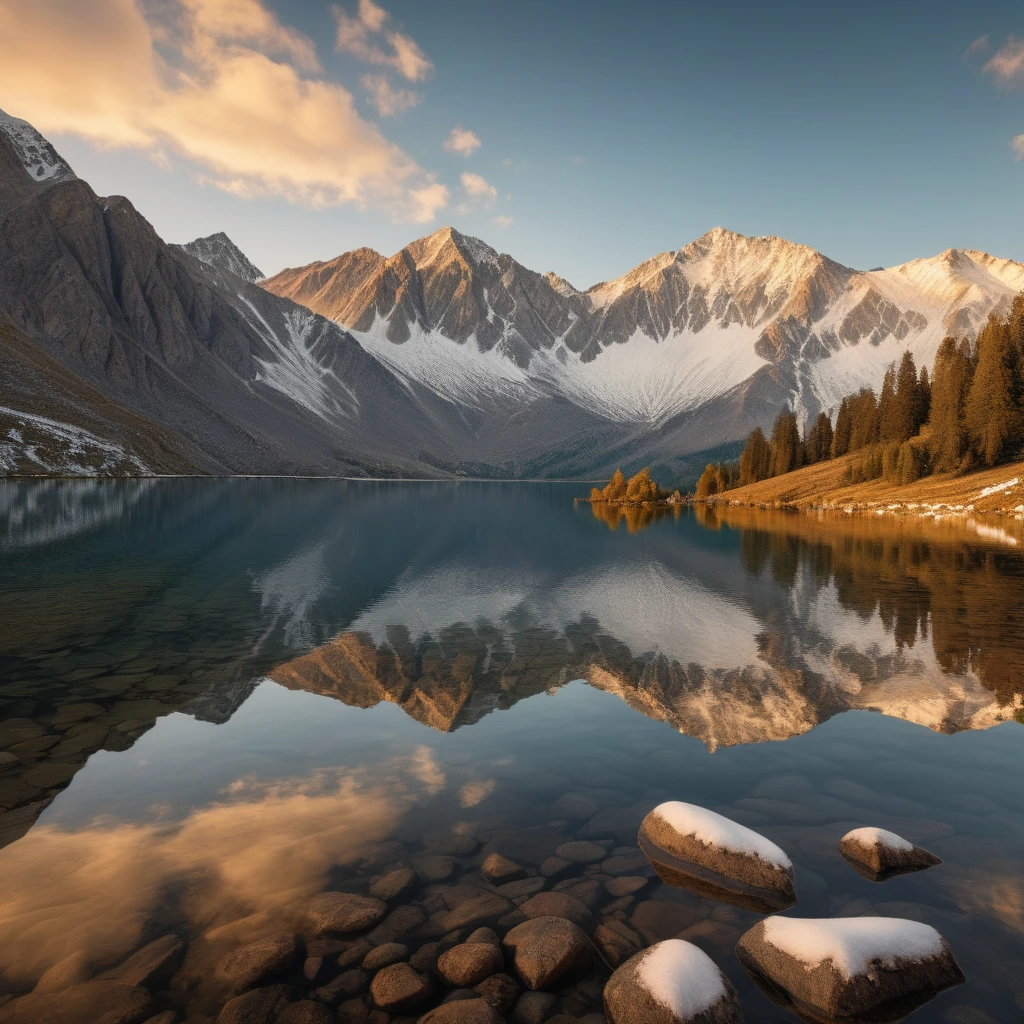
Sample Outputs
Real outputs generated with this workflow — click to enlarge.

What's Included
- 6-sampler side-by-side comparison at same seed & prompt
- euler_cfg_pp, dpmpp_2m, DDIM, LMS, dpmpp_2m_karras, dpmpp_2m_sde_karras
- Same model and latent shared across all samplers
- Perfect for choosing the right sampler for your project
How to Use
- 1 Download the JSON file using the button above
- 2 Open ComfyUI in your browser
- 3 Drag the JSON file into the ComfyUI canvas, or click "Load" and select the file
- 4 Queue Prompt and watch the generation happen
Ready to Use This Workflow?
Download the JSON and import it into ComfyUI. All settings are pre-configured for consistent results.
Download sdxl-two-sampler-comparison.json