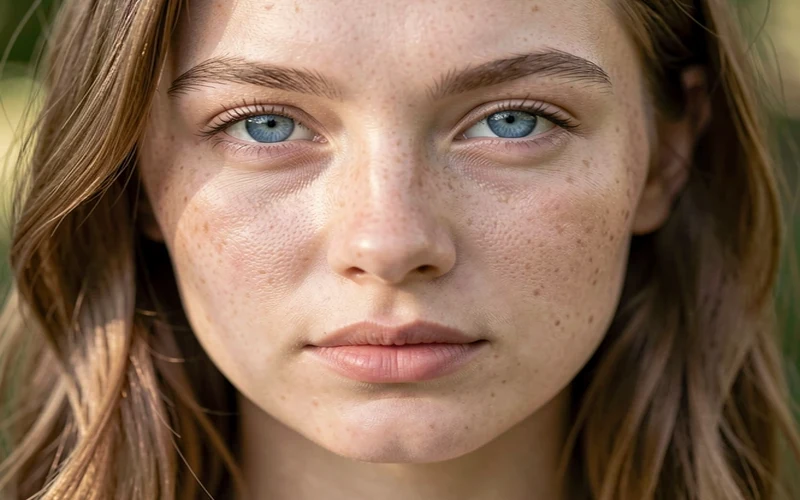
Model
FLUX Klein v1
Type
Portrait
Difficulty
Beginner
Resolution
832x1216
Settings
sampler
euler_cfg_pp steps
8 cfg
1 resolution
832x1216 seed
42 model
FLUX1/flux-2-klein-9b.safetensors Prompts
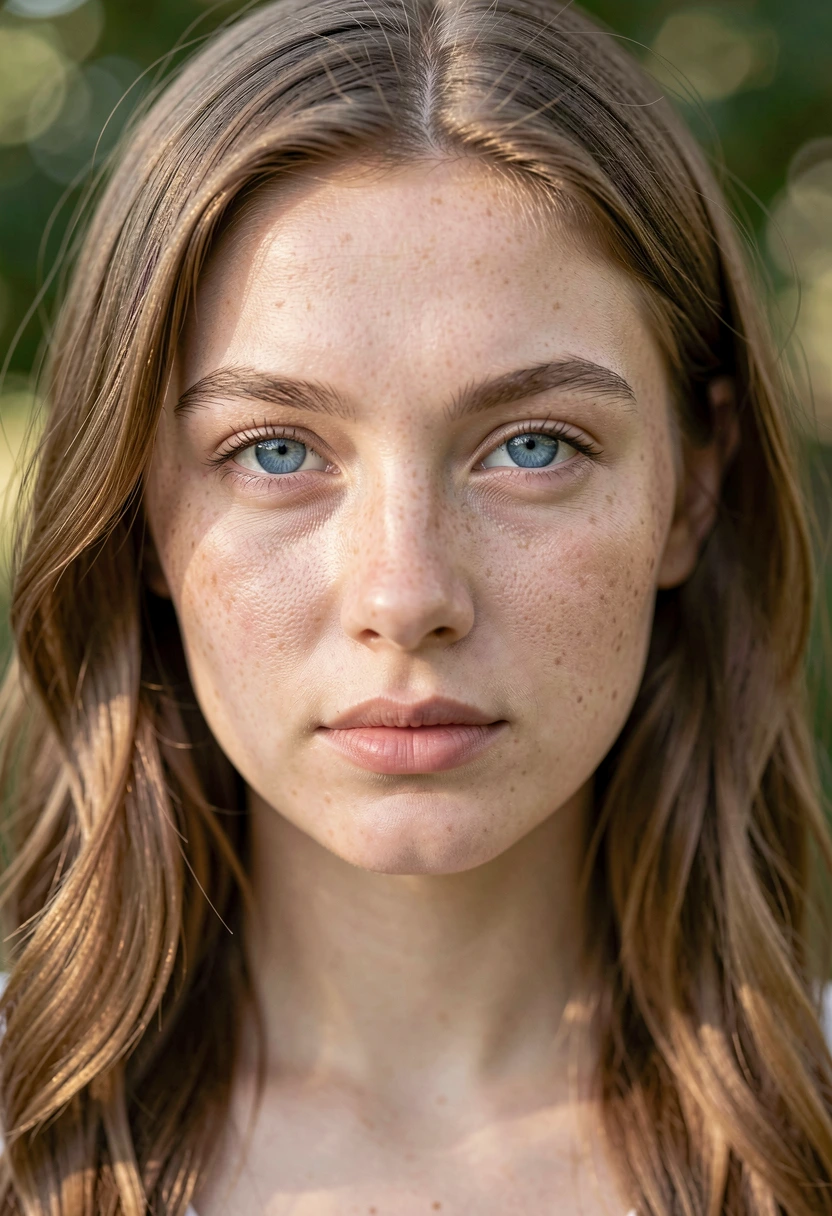
portrait of a young woman with blue eyes, natural lighting, detailed skin texture, professional photography
text, watermark, blurry, ugly, deformed, noisy, distorted
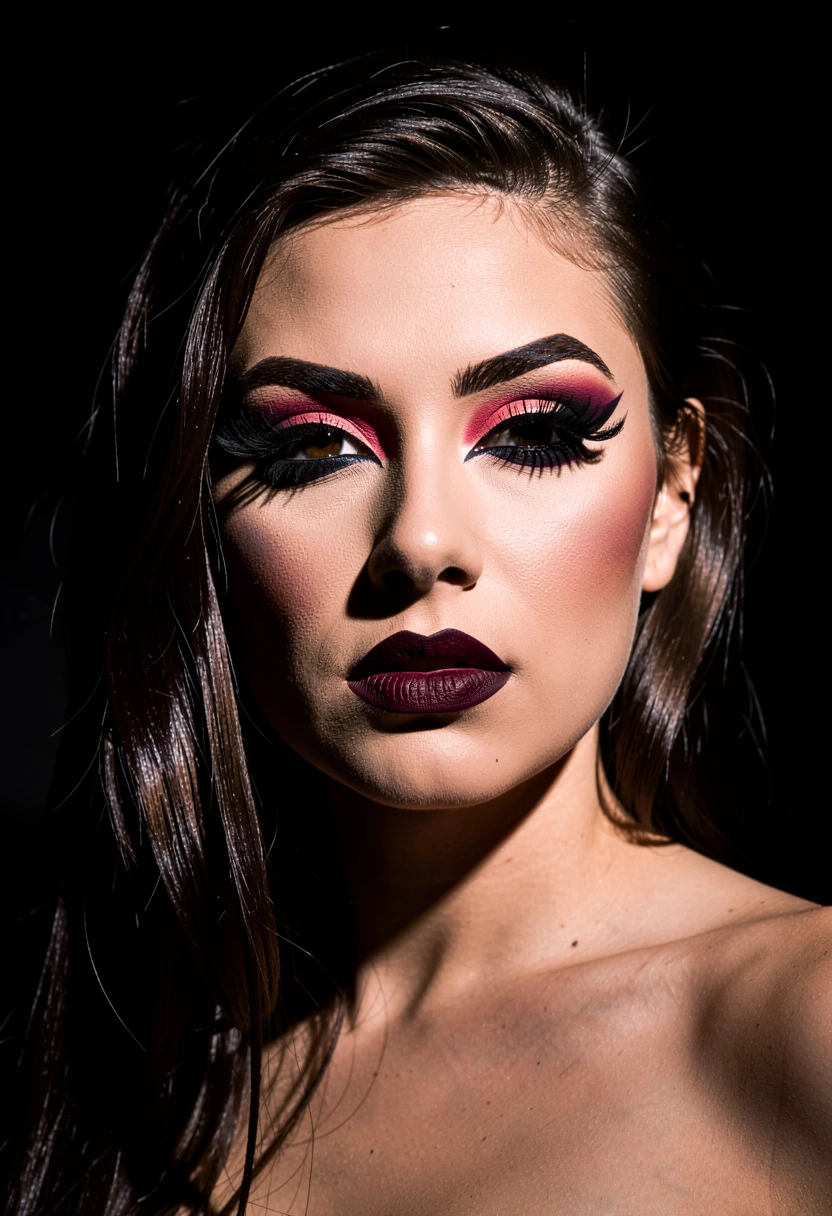
Sample Outputs
Real outputs generated with this workflow — click to enlarge.






What's Included
- Consistent character portraits across multiple poses
- Natural lighting and skin texture
- Professional photography style
- Optimized for 24GB VRAM
How to Use
- 1 Download the JSON file using the button above
- 2 Open ComfyUI in your browser
- 3 Drag the JSON file into the ComfyUI canvas, or click "Load" and select the file
- 4 Queue Prompt and watch the generation happen
Ready to Use This Workflow?
Download the JSON and import it into ComfyUI. All settings are pre-configured for consistent results.
Download flux-klein-v1-portrait.json