Model
FLUX Klein v1
Type
Image-to-Image
Difficulty
Advanced
Resolution
832x1216
Settings
sampler
euler steps
8 cfg
1 resolution
832x1216 seed
42 model
FLUX1/flux-2-klein-9b.safetensors identity strength
0.2 Prompts
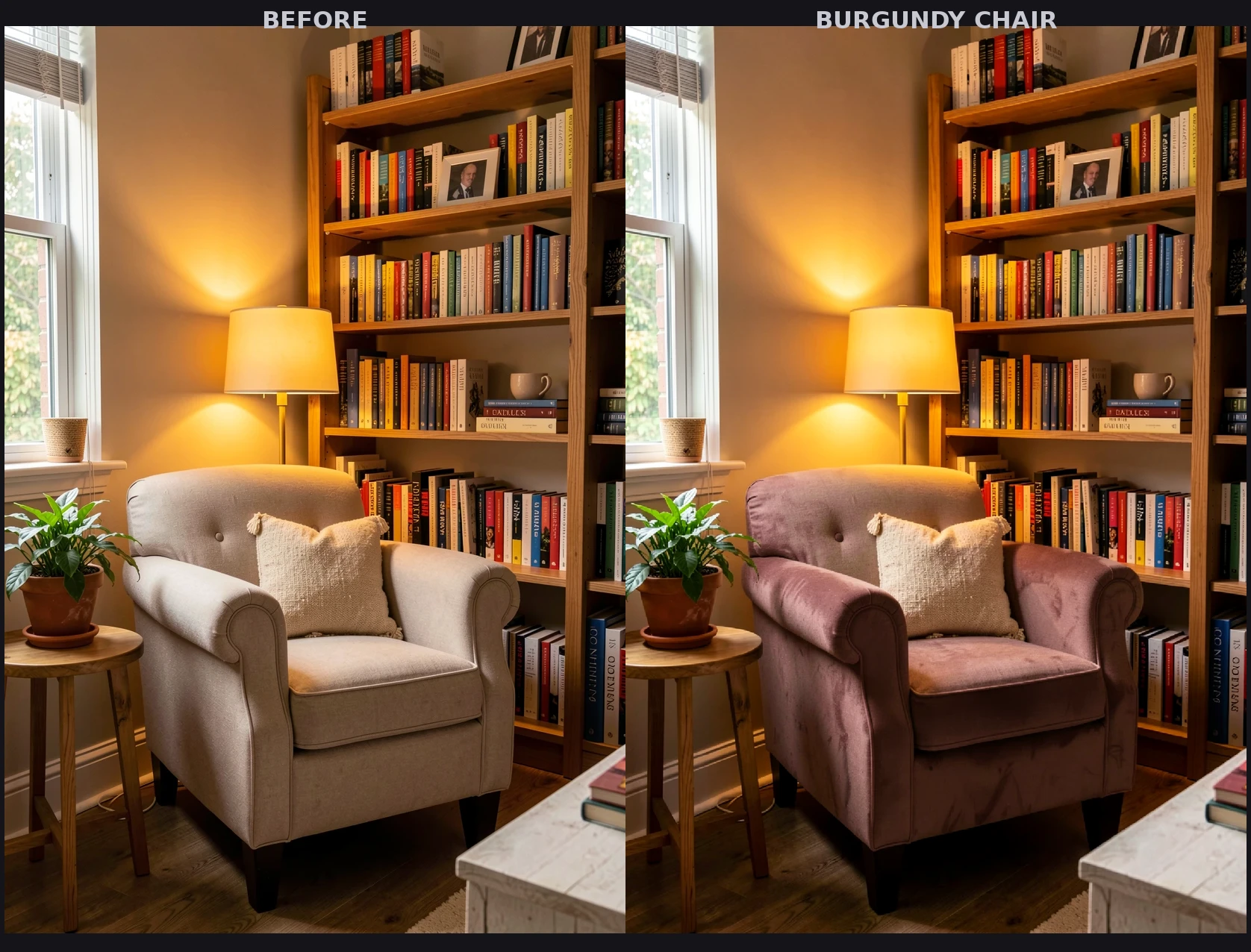
the same cozy reading nook, the beige armchair is now upholstered in rich burgundy velvet, same bookshelf, same window, same potted plant
text, watermark, blurry, ugly, deformed, noisy, distorted
Sample Outputs
Real outputs generated with this workflow — click to enlarge.
Before & After
Klein IdentityFeatureTransfer edit: the beige armchair is reupholstered in burgundy velvet using the reference-latent guided IdentityFeatureTransfer pipeline. All other scene elements (bookshelf, window, plant) remain unchanged.

Original
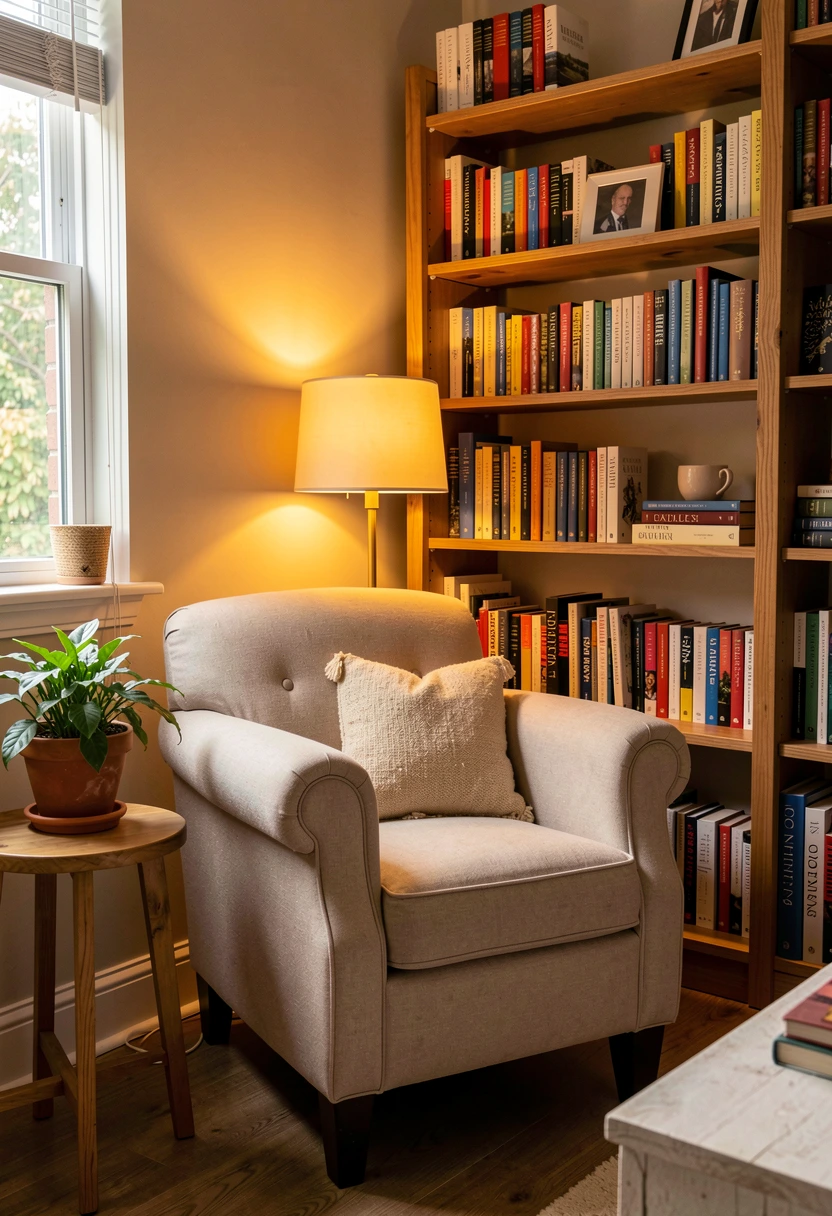
Edited
What's Included
- IdentityFeatureTransfer node for structure-preserving edits
- ReferenceLatent conditioning for scene awareness
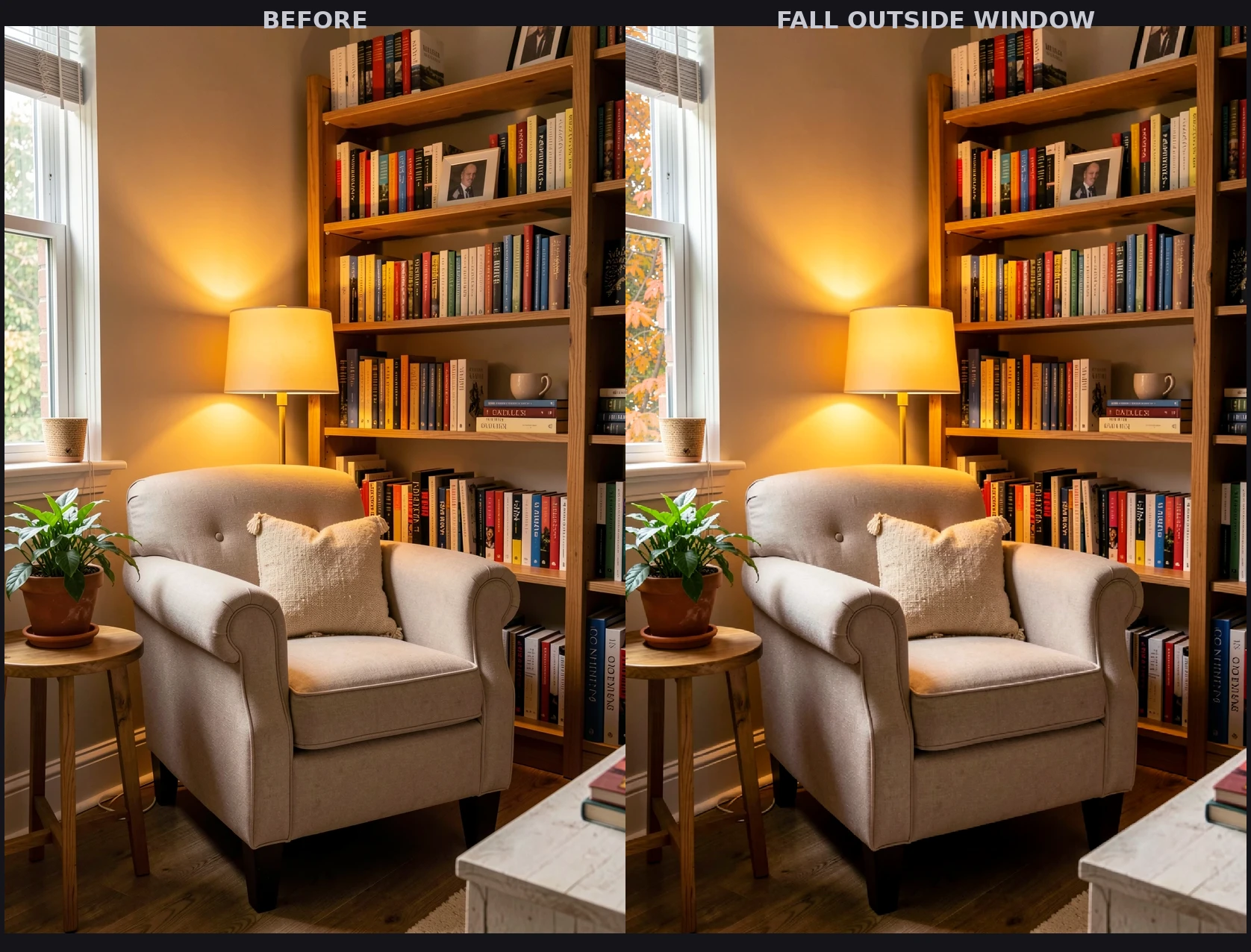
- Change chair fabrics, backgrounds, lighting and more
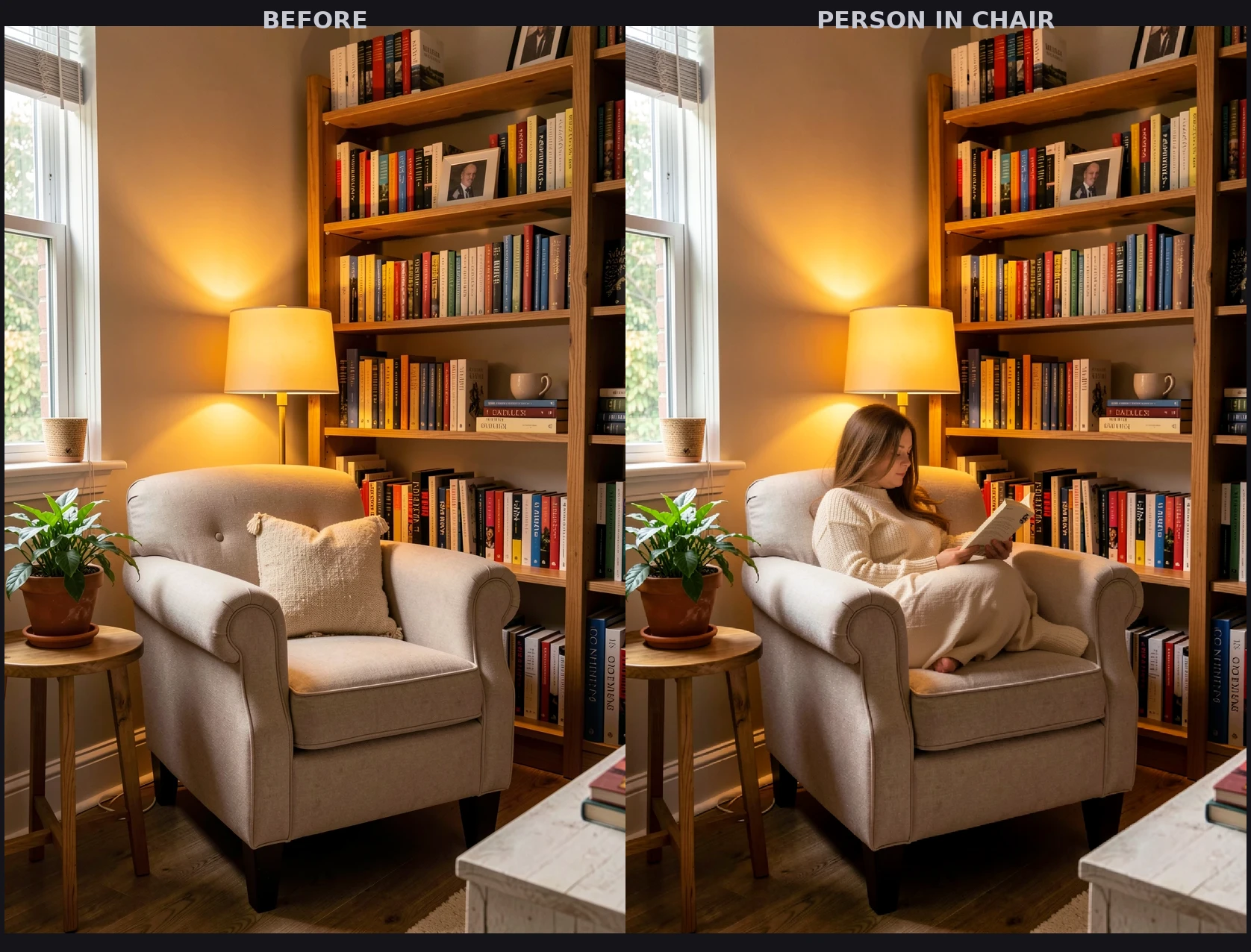
- Add or remove subjects from existing scenes
- Flux2Scheduler with CustomSamplerAdvanced pipeline
How to Use
- 1 Download the JSON file using the button above
- 2 Open ComfyUI in your browser
- 3 Drag the JSON file into the ComfyUI canvas, or click "Load" and select the file
- 4 Queue Prompt and watch the generation happen
Ready to Use This Workflow?
Download the JSON and import it into ComfyUI. All settings are pre-configured for consistent results.
Download flux-klein-image-edit.json